
Organise each client brief
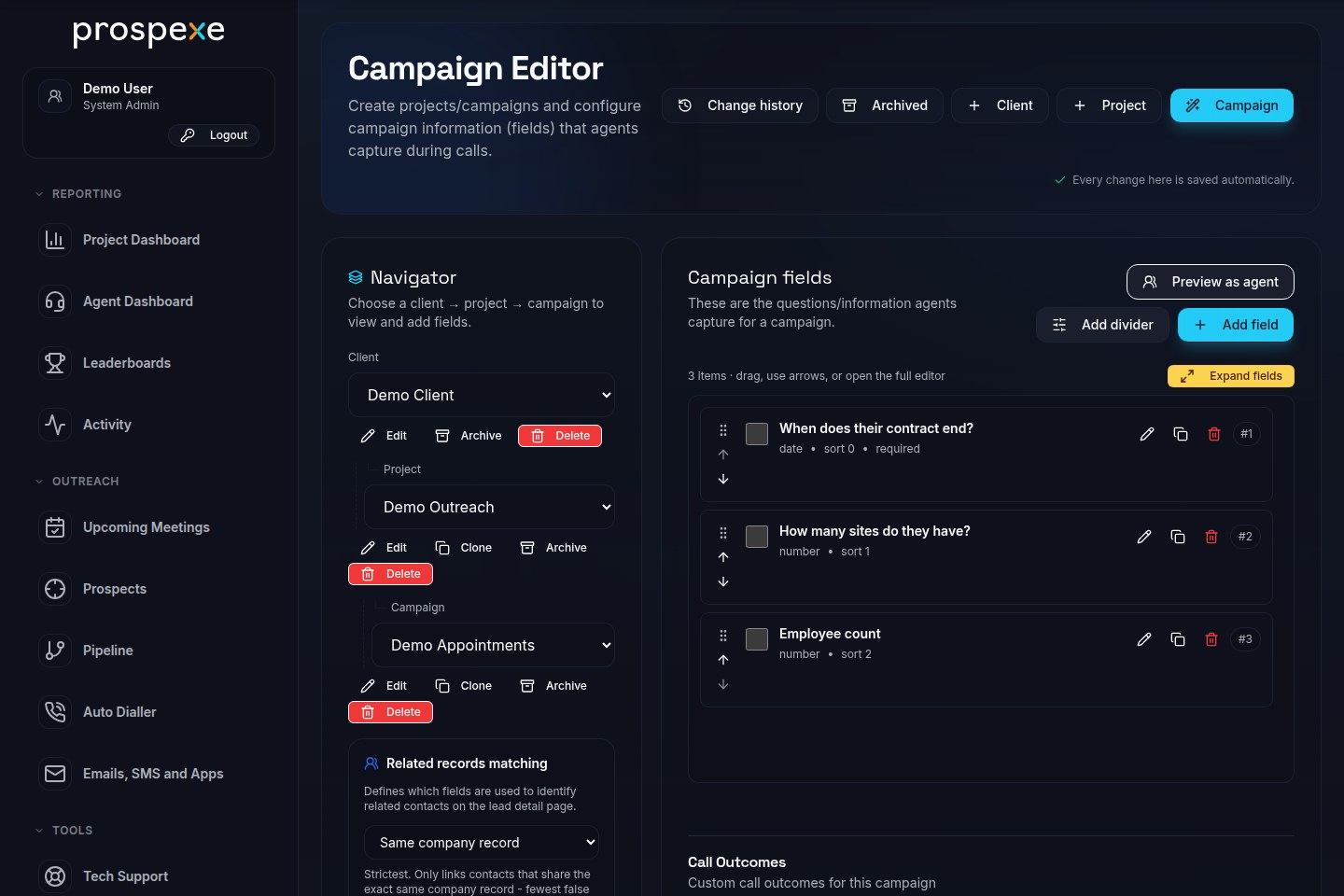
Keep clients, projects and campaigns distinct within an agency workspace. Shape the fields your team captures around each brief, then organise prospects, companies and contacts in one place.
Keep each client’s campaigns separate, make calls from prospect records and share reporting with clients. Prospexe brings B2B telemarketing work into one browser-based workspace.
Follow a 56-second guided tour of the actual interface: choose a campaign, edit an E-Shot draft, watch Dial and Go’s review countdown and explore reporting. Fictional demonstration data is used throughout. No calls or emails were sent.
Some pauses are shortened in the edit. The video includes background music, with no spoken narration. Captions and this description cover the demonstrated actions.
Music: “Happy Beats / Business Moves, Vol. 10” by Sascha Ende, licensed under CC BY 4.0. Edited excerpt with fades and reduced volume.
Move between projects while agents see the campaign, prospect details and next useful action for the work they are handling.
Keep clients, projects and campaigns distinct within an agency workspace. Shape the fields your team captures around each brief, then organise prospects, companies and contacts in one place.
Search and filter by the details that matter, save useful views as bookmarks, log call outcomes, and keep ownership, assignments and call history with each prospect.
Callback reminders, pipeline stages and upcoming meetings sit alongside holiday and date exclusions. Time-zone segmentation helps teams plan the next conversation with context.
One prospect record can hold the working context across calls, messages and campaign outreach.
Dial and Go previews each record, then uses a configurable countdown before automatically calling its best available number. Agents can also call manually with a browser headset.
Calling requires a configured provider, microphone access and the relevant permissions.Build targeted HTML E-Shots and review engagement. Exclude audiences deliberately, including contacts marked Not Interested, rather than treating every contact as a recipient.
Engagement tracking is available for configured campaigns.Parallel calling is also available through Twilio. See calling modes, setup and handling, including how parallel calling differs from sequential Dial and Go.
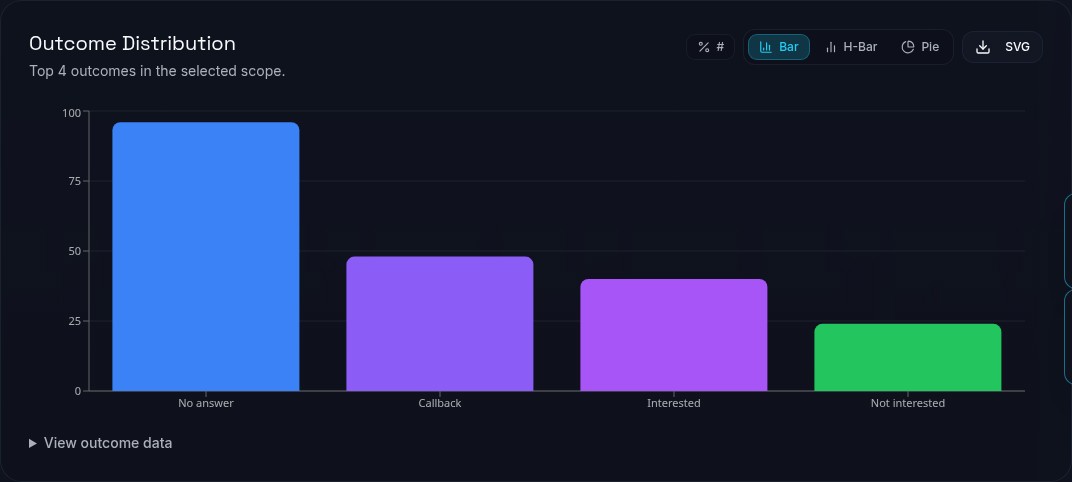
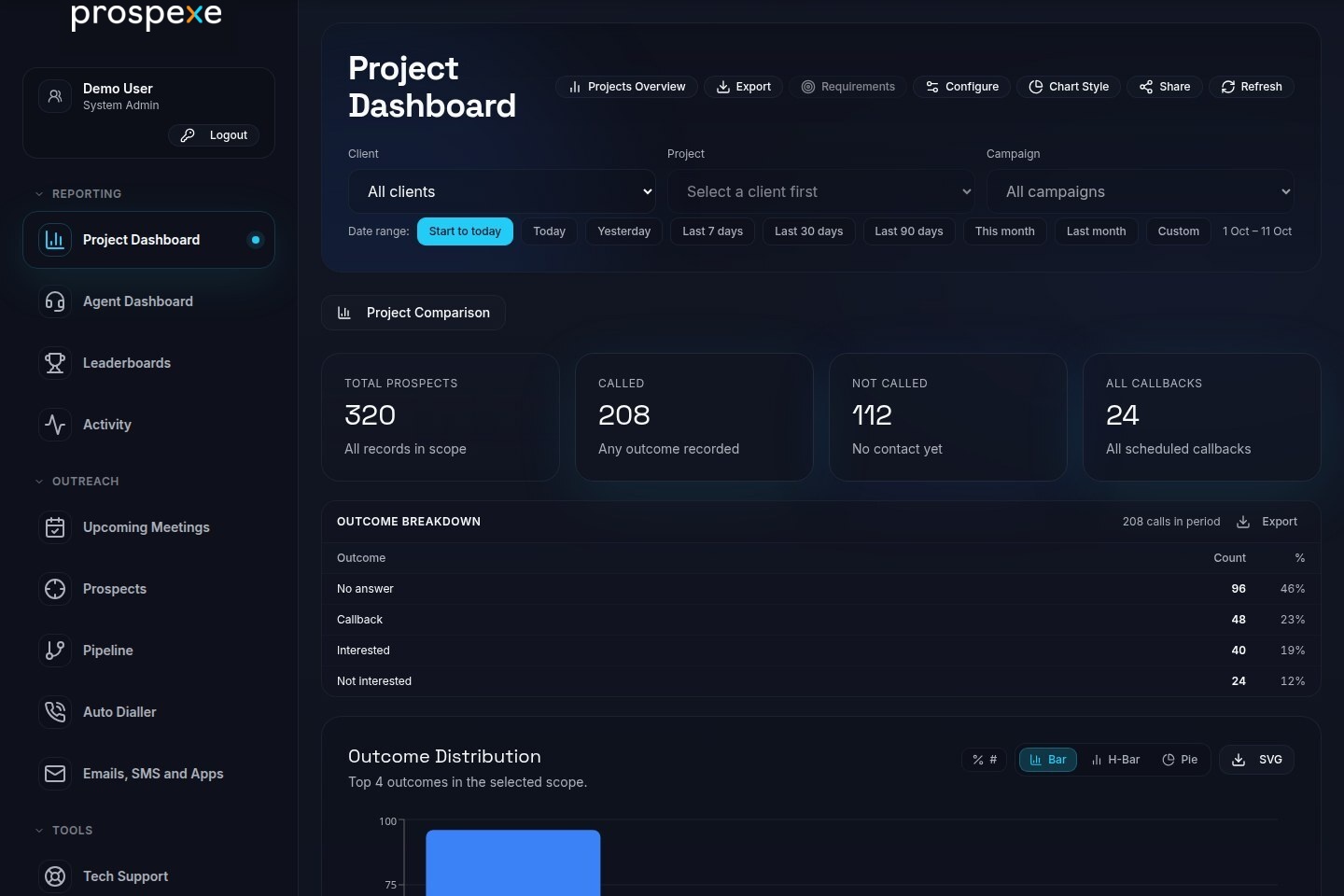
Managers can compare project and agent progress, look across date ranges, review RAG KPIs and heatmaps, then export the data.
Team support, optional rewards, HR and cost reporting sit alongside campaign work. Explore these tools and connected services on Features.
Agency-scoped access, practical tools for managing sensitive data and settings that fit how your operation works.
Five roles include system admin, project management, project admin, agent and HR manager, with configurable action permissions. Access is approved or invited and scoped to the agency and the projects someone is allowed to use.
Configure UK calling windows, suppression and current TPS/CTPS evidence. Manage recording and media policy, with audit and export tooling to support your own review.
Prospexe is not legal advice or a compliance certification.Map CSV/XLSX columns, review import history and tags, correct sources, and make bulk updates. Audit client-facing notes with Admin Cleanse, run data-health checks, and manage controlled deletion, rollback and exports.
Configure the Record GUI, choose an app language and tune readable chart tables, display, contrast and motion settings.
Raise tech-support tickets, keep the conversation with each issue and add context through pasted text or attachments.
Encryption is supported for sensitive fields and stored attachments; coverage of existing attachments can depend on migration status. Review security warnings and their history, and administer API tokens with the right access.
Open a topic for details on imports, follow-up, sharing and support.
Map CSV and XLSX files to your fields, check import history and tags, correct record sources, apply bulk updates and run data-health checks. Controlled deletion can be rolled back, and records can be exported.
Work from callbacks, pipeline stages and upcoming meetings. Holiday and date exclusions can shape follow-up timing; UK calling-window and suppression settings support the team's operating rules.
Managers can create branded dashboard-share links for selected or all permitted projects, set expiry and password options, and review view activity. The selected projects and granted permissions determine what the link can show.
Raise support tickets with conversations and pasted or uploaded context. Choose an app language and adjust display, contrast and motion preferences; chart information is also available in readable tables. Read the public accessibility statement and use its reading controls.
Tell us how your teams manage client projects and prospect conversations.
Request a demo